How to Hide AI-Generated Pins on Pinterest
As a Pinterest Manager who works with food bloggers, this is one update I’ve been keeping a very close eye on. Pinterest has started rolling out clearer AI labelling and, more importantly, the option for users to hide AI-generated pins from their search results.
That single change has BIG implications for food content.
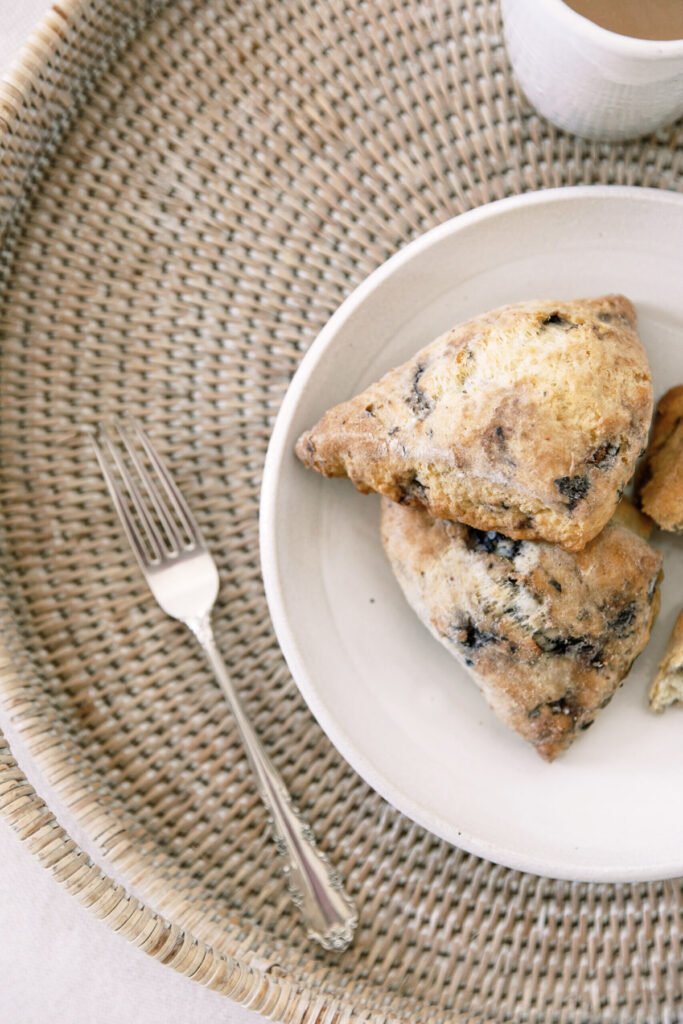
Over the last year, Pinterest has become increasingly saturated with AI-created recipe pins. You’ve seen them: perfectly styled dishes that were never cooked. Images that look a little too shiny and perfect. Step-by-step recipes that were never tested. Beautiful images that don’t actually reflect what a reader will make in their own kitchen. People with too many fingers. From a user trust point of view, it’s been a big problem. And Pinterest knows it.
Why This Matters for Food Bloggers
Food blogging has always relied on trust. Readers want to know that a recipe works, that the timings are realistic, and that the photo matches the end result. When AI images flood the feed, that trust erodes. Users save a pin expecting one thing and end up disappointed when the recipe doesn’t deliver.
By allowing users to exclude AI-generated pins, Pinterest is quietly shifting the platform back towards genuine creators. If you test your recipes, photograph your own food, and write from real experience, this update is good news for you. Less competition from mass-produced AI content and a better chance of being seen by users who value authenticity. Users who are sick of seeing AI slop in their search feeds will now see more pin from real creators.
On the flip side, food sites that rely heavily on AI-written recipes and AI photography may see reduced visibility as more users choose to filter that content out.
Personally I love that Pinterest is making this move! Food blogging takes time and effort and deserves to be rewarded.
How to Hide AI pins From Your Pinterest Feed
If you want to clean up your own Pinterest experience, the process is fairly simple, though the exact wording may vary slightly depending on your app version.
- When you are browsing Pinterest on the mobile app, tap the circle of your profile at the bottom right of the screen.
- Tap the three dots at the top right of the screen.
- Tap ‘Settings’.
- Tap ‘Refine your recommendations’.
- Scroll across to ‘GenAI interests’ and tap.
Here you can toggle which AI images you want to see, or which AI images to hide from search results.
Once enabled, your feed and search results will prioritise pins that are not marked as AI-generated. That means more real kitchens, real food photography, and recipes created by actual people.

Why I’m Encouraging my Clients to Lean into This
As a Pinterest Manager, I’m actively advising my food blogging clients to double down on originality. Clear process photos. Honest recipe testing notes. Images that reflect reality, not perfection. Pinterest’s algorithm has always rewarded consistency and quality, but now there’s an added layer of trust being built back into the platform.
This update won’t eliminate AI content overnight, but it does signal where Pinterest is heading. They want users to feel confident saving and clicking again.
If you’re a food blogger who has put the work in behind the scenes, this is your moment. And if you’re a Pinterest user tired of being misled by picture-perfect recipes that don’t work, this new filter is well worth turning on.
Real food is back. And honestly, it’s about time.
Check out more tips on how to grow a food blog.